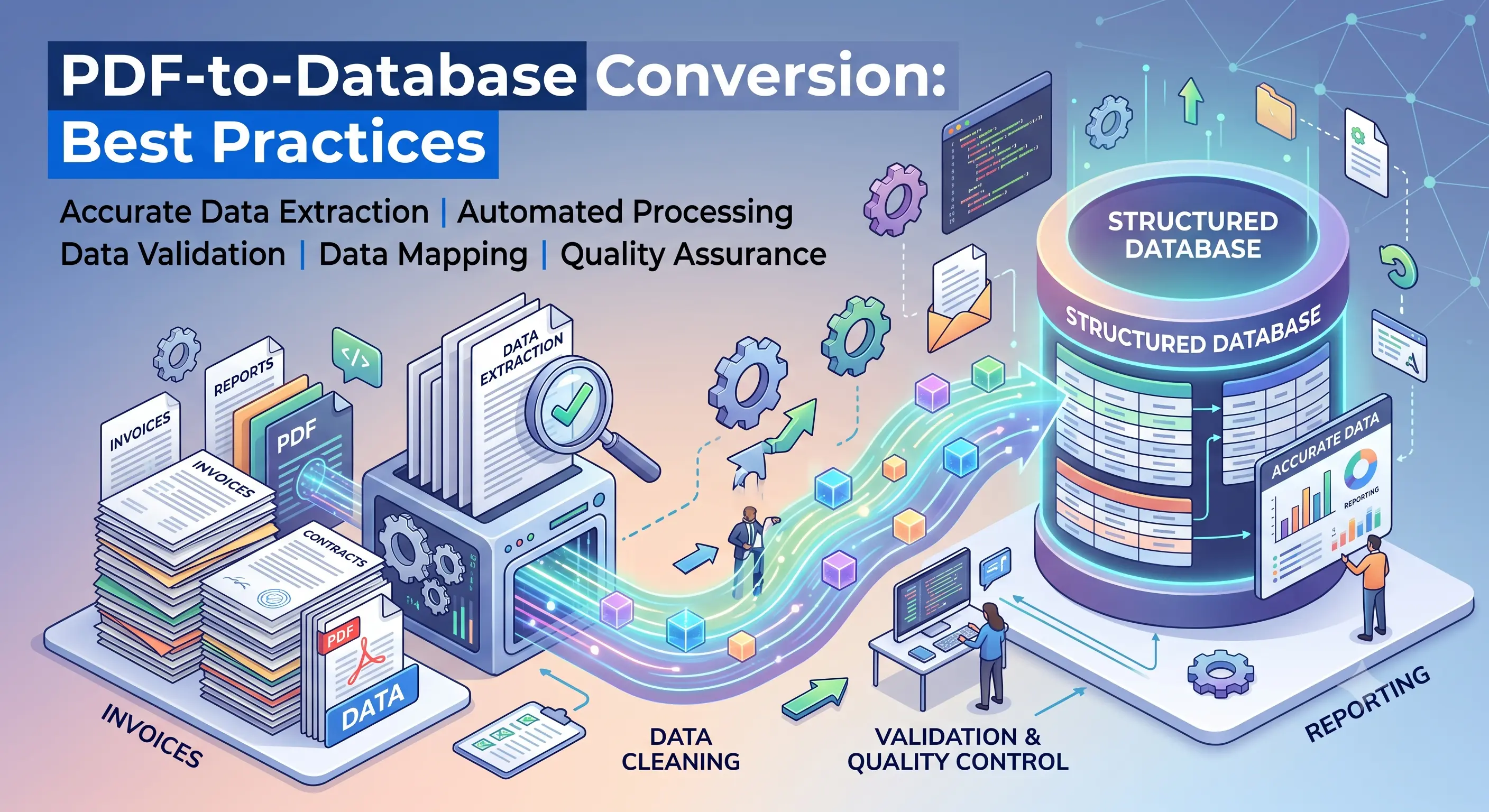
PDF to Database Conversion Best Practices
Organizations often store valuable business information inside PDF documents, including invoices, financial statements, purchase orders, customer records, contracts, shipping documents, and technical reports. While PDFs are excellent for sharing and preserving document layouts, they are not designed for searching, reporting, analytics, or database operations. Converting PDF files into structured database-ready data requires much more than simply copying text. Tables, merged cells, scanned pages, inconsistent formatting, and multiple document layouts all introduce challenges that must be handled carefully. Following proven best practices ensures higher accuracy, faster processing, and reliable data that can be imported directly into business systems.
Need help extracting valuable business records trapped inside legacy documents?
Historical PDFs, scanned documents, reports, and spreadsheets contain information your business depends on—but it's difficult to search and even harder to analyze. We convert legacy documents into accurate, database-ready datasets, making your data instantly searchable, easier to manage, and ready for modern business applications.
Understand your PDF documents
The first step in any successful conversion project is understanding the source documents. Some PDFs contain selectable digital text, while others are scanned images that require Optical Character Recognition (OCR). Large projects often contain a mixture of both. In addition, document layouts may vary between departments, reporting periods, or software versions. Identifying these differences before extraction begins helps determine the most appropriate processing workflow and reduces unexpected issues during production.
Classify documents before extraction
Rather than processing every file using the same method, group documents by layout and document type. For example, invoices, bank statements, customer reports, payroll documents, and inventory reports usually follow different structures. Classification allows extraction rules to be optimized for each document category, improving both speed and accuracy while minimizing manual corrections later.
Identify repeating data structures
Most business documents contain repeating patterns such as tables, headers, footers, line items, totals, addresses, and reference numbers. Detecting these repeated structures allows automated extraction rules to capture information consistently across thousands or even millions of documents. Well-designed extraction templates significantly reduce processing time while maintaining high data quality.
Handle scanned PDFs carefully
Scanned documents introduce additional complexity because the information exists as images rather than digital text. Image quality, document skew, handwritten annotations, faded printing, and low-resolution scans can all affect OCR accuracy. Preprocessing techniques such as deskewing, noise removal, image enhancement, and contrast adjustment often improve recognition results before text extraction begins.
Validate extracted information
- Verify row and column alignment in extracted tables.
- Check numeric values for missing decimal places or misplaced separators.
- Validate dates using consistent formats across all records.
- Remove duplicate rows generated during extraction.
- Ensure mandatory fields are never left empty.
- Confirm totals match calculated line-item values whenever possible.
- Review unusually large or unexpected values for potential OCR errors.
Standardize the extracted data
Different PDF documents often represent the same information in different ways. Dates may appear in multiple formats, currencies may use different symbols, and customer names or product codes may contain inconsistent spacing or capitalization. Standardizing these values during conversion creates a clean dataset that is easier to search, analyze, and integrate into existing business applications.
Prepare database-ready output
Once extraction is complete, the data should be transformed into a structured format suitable for the destination system. This may include CSV files, Excel workbooks, SQL tables, ERP imports, CRM systems, or cloud databases. Each field should map to a clearly defined database column with appropriate data types, ensuring smooth imports without additional manual cleanup.
Perform quality assurance before import
Even highly automated extraction systems benefit from quality assurance. Random sampling, record counts, field validation, and comparison against original source documents help verify that the conversion process has captured the expected information accurately. Early validation prevents costly corrections after the data has already been loaded into production systems.
Benefits of following best practices
A structured PDF-to-database conversion process delivers far more than simple data extraction. Organizations benefit from improved accuracy, faster processing, reduced manual effort, better compliance, and cleaner datasets that support reporting, analytics, automation, and business intelligence initiatives. Whether processing a few thousand documents or enterprise-scale archives containing millions of records, following established best practices helps ensure reliable, scalable, and high-quality data conversion results.
Turn your documents into valuable business data.
From historical archives and scanned PDFs to invoices, engineering reports, and spreadsheets, we help businesses transform complex documents into structured, database-ready information with thorough validation and quality assurance. No matter the size of your project, we're ready to help.